
All apps
Screenshots
FocusVibe
About
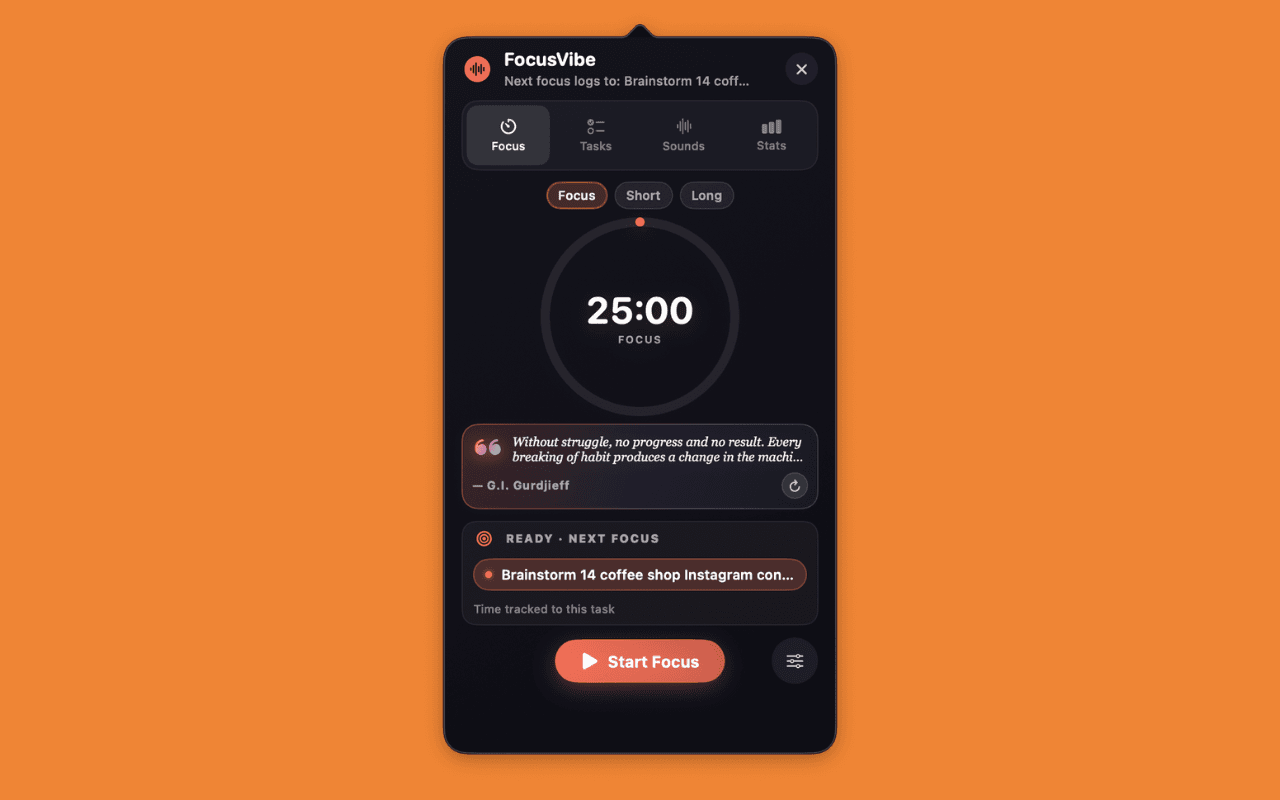
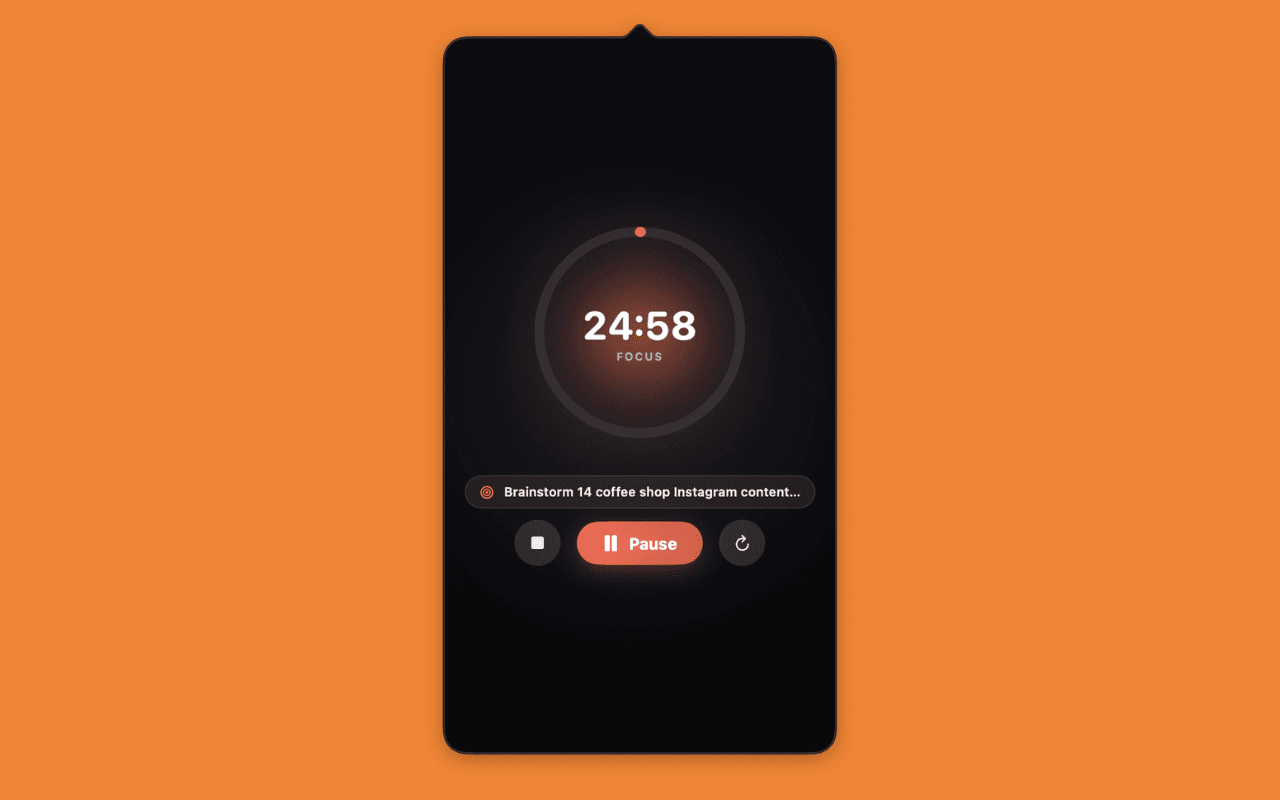
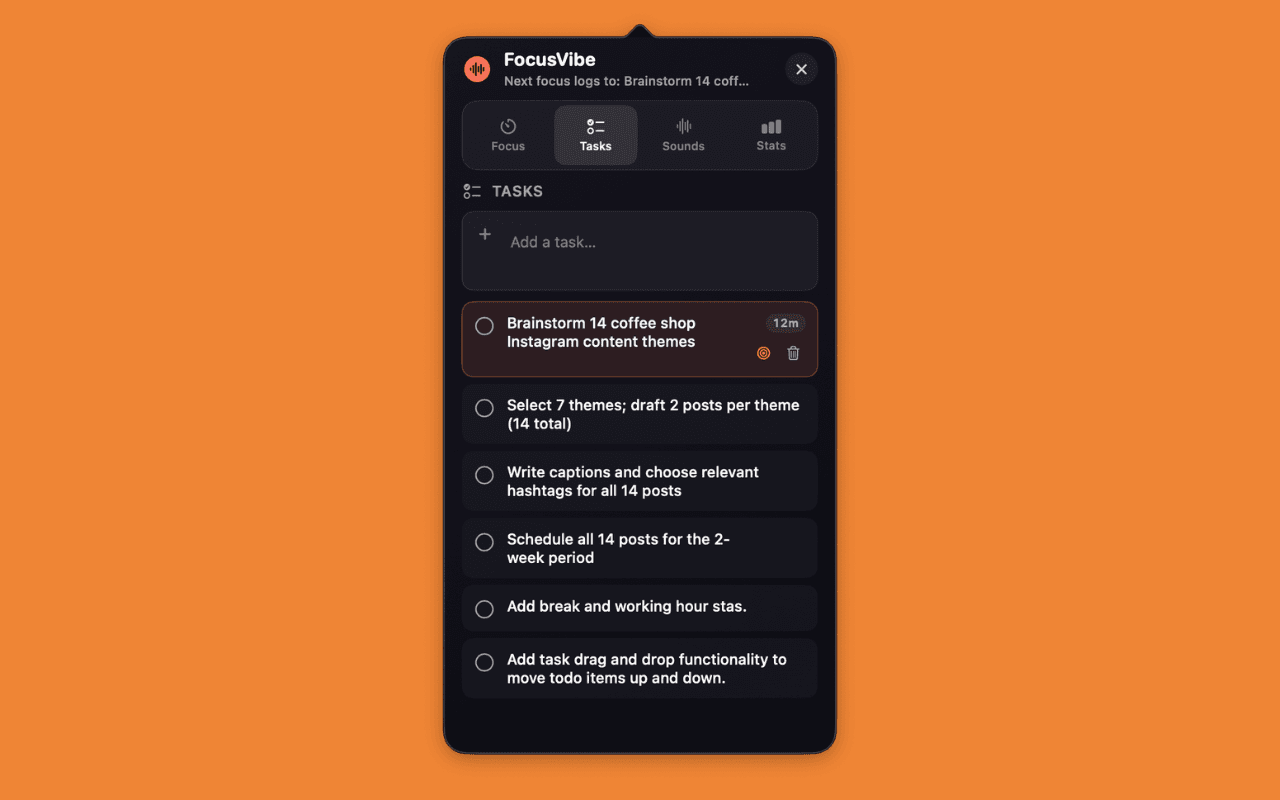
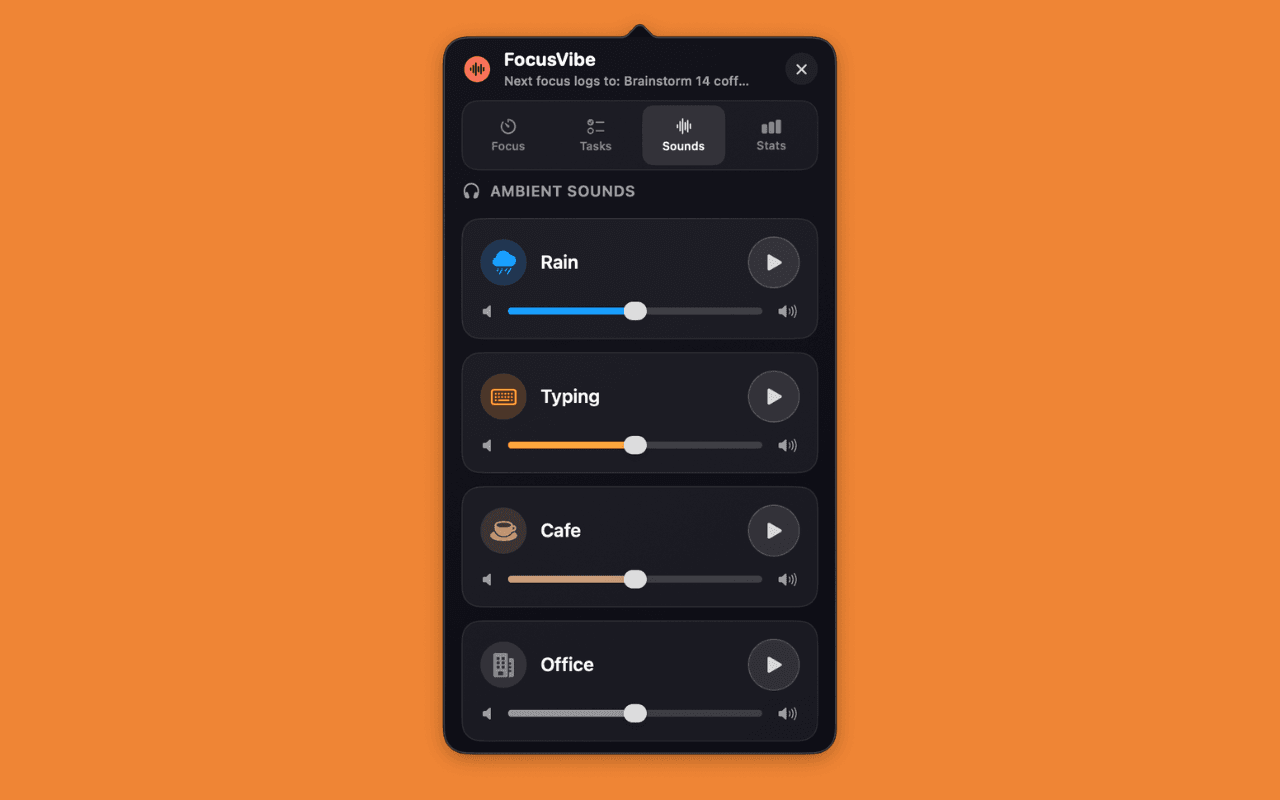
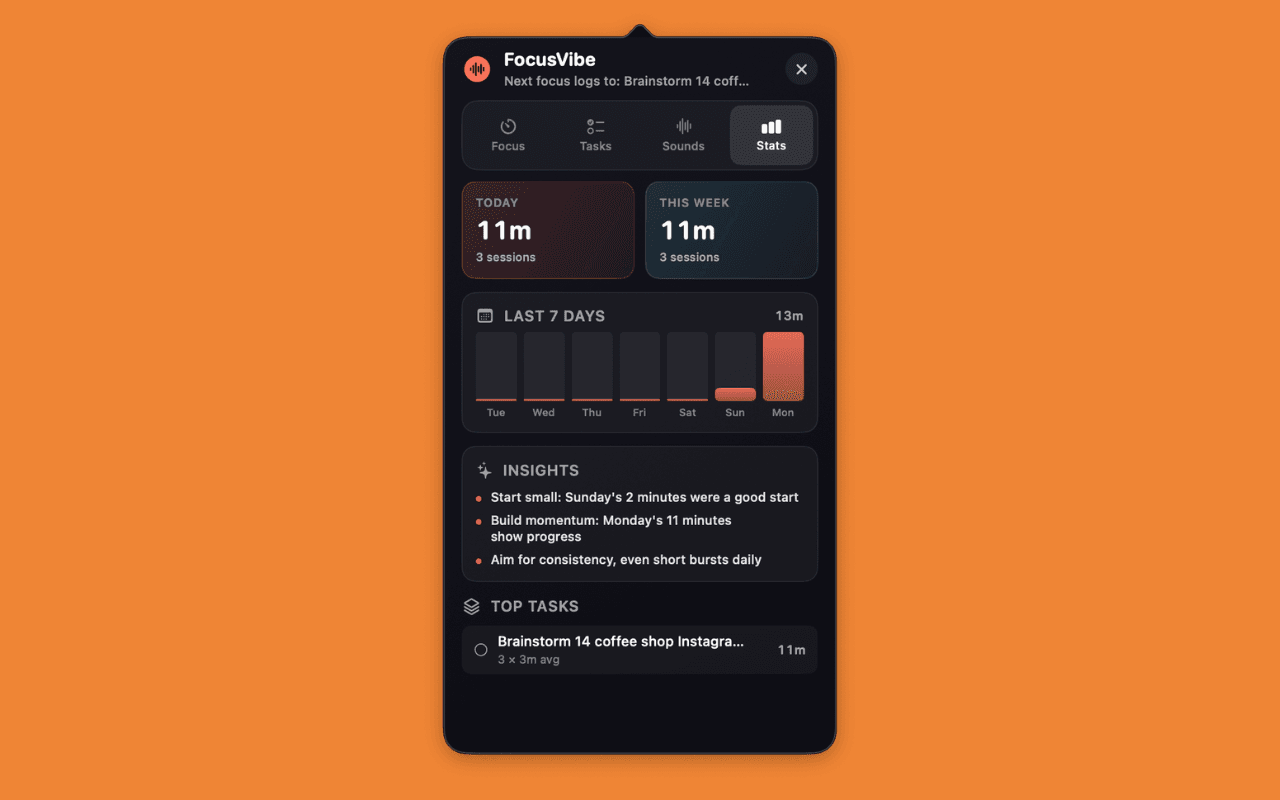
FocusVibe lives in your menu bar, next to the clock. Open it when you need a Pomodoro timer, a task list, ambient background sound, or a quick look at how your week went — all without leaving what you're doing. Focus time is tracked per task, sounds run independently of the timer, and everything is saved locally with no accounts required. An optional Gemini API key unlocks smart helpers like task suggestions and session reflections, but the app works fully offline without one.
Features
- Pomodoro timer with configurable durations
- Live menu bar countdown
- Per-task focus tracking
- Ambient sounds — mix rain, café, forest, and more
- Daily & weekly stats with a 7-day chart
- Optional Gemini AI for task suggestions and reflections
- Fully local — no accounts, no sign-in
Feedback
Help shape FocusVibe
Found a bug, have a feature request, or just want to share what you think? Drop a note — it goes straight to me.